
Keeping Your Whole Desk Setup Clean, Not Just the Screen
1 Oct 2026 · 3 min read · By the ChelseaGREEN team

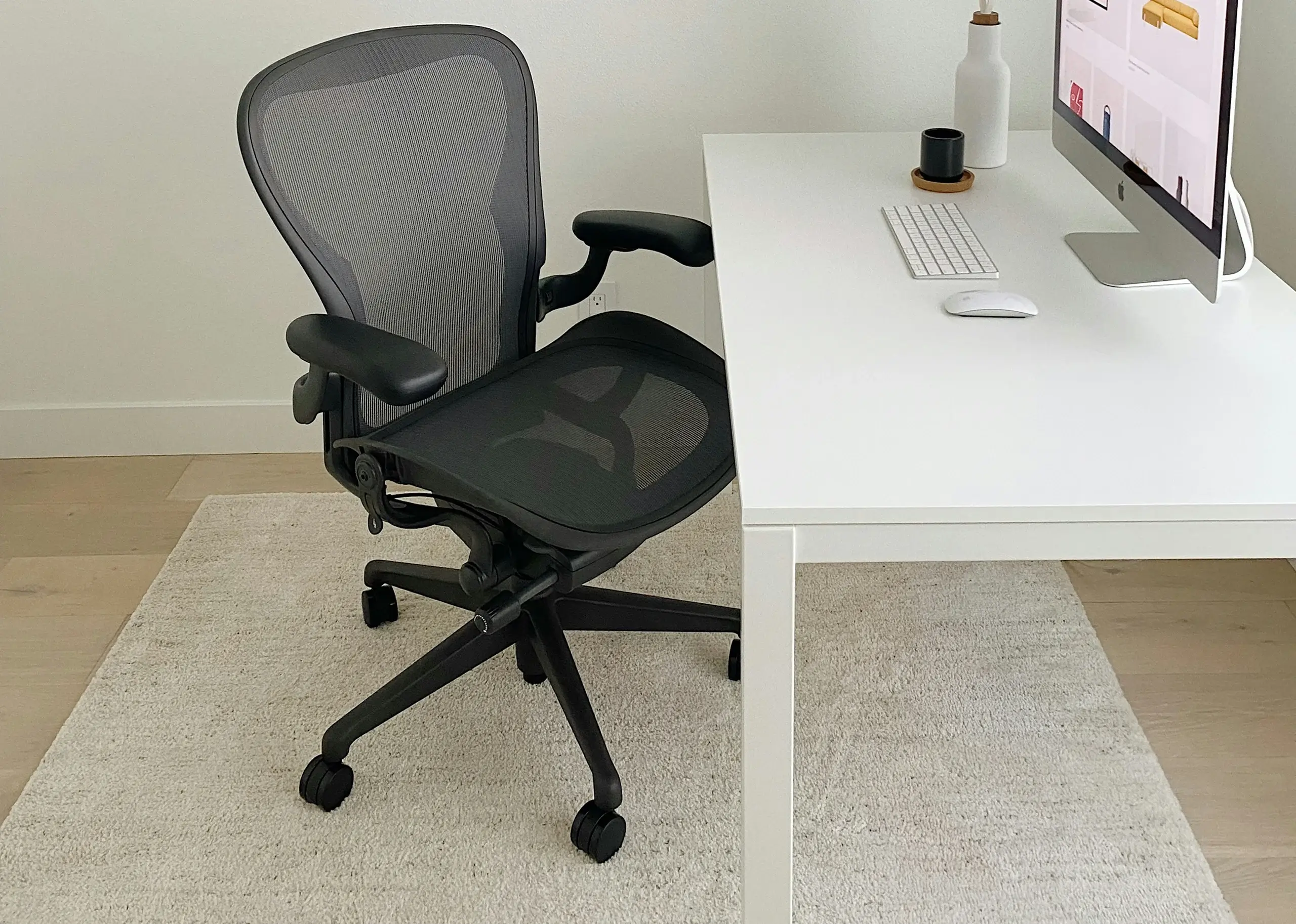
We've already covered why using a screen cleaner can help keep your display clear and free from distracting smudges, but your screen is only one surface out of many you touch every day. Keyboards, mice, and desk surfaces collect dust, oil, crumbs, and grime too, often more than your monitor because they're handled constantly.
The Surfaces People Forget
A keyboard sees more direct contact than almost anything else on a desk, yet it's rarely cleaned with the same care as a screen. Crumbs, dust, and skin oils settle between the keys, while buildup around the keycaps can make the keyboard feel dirty and unpleasant to use.
Mice collect grime along the sides, buttons, and underneath, where it's easy to miss during a quick wipe-down. Desk surfaces, especially around the keyboard and mouse pad, also pick up dust and oils that regular dusting tends to leave behind.
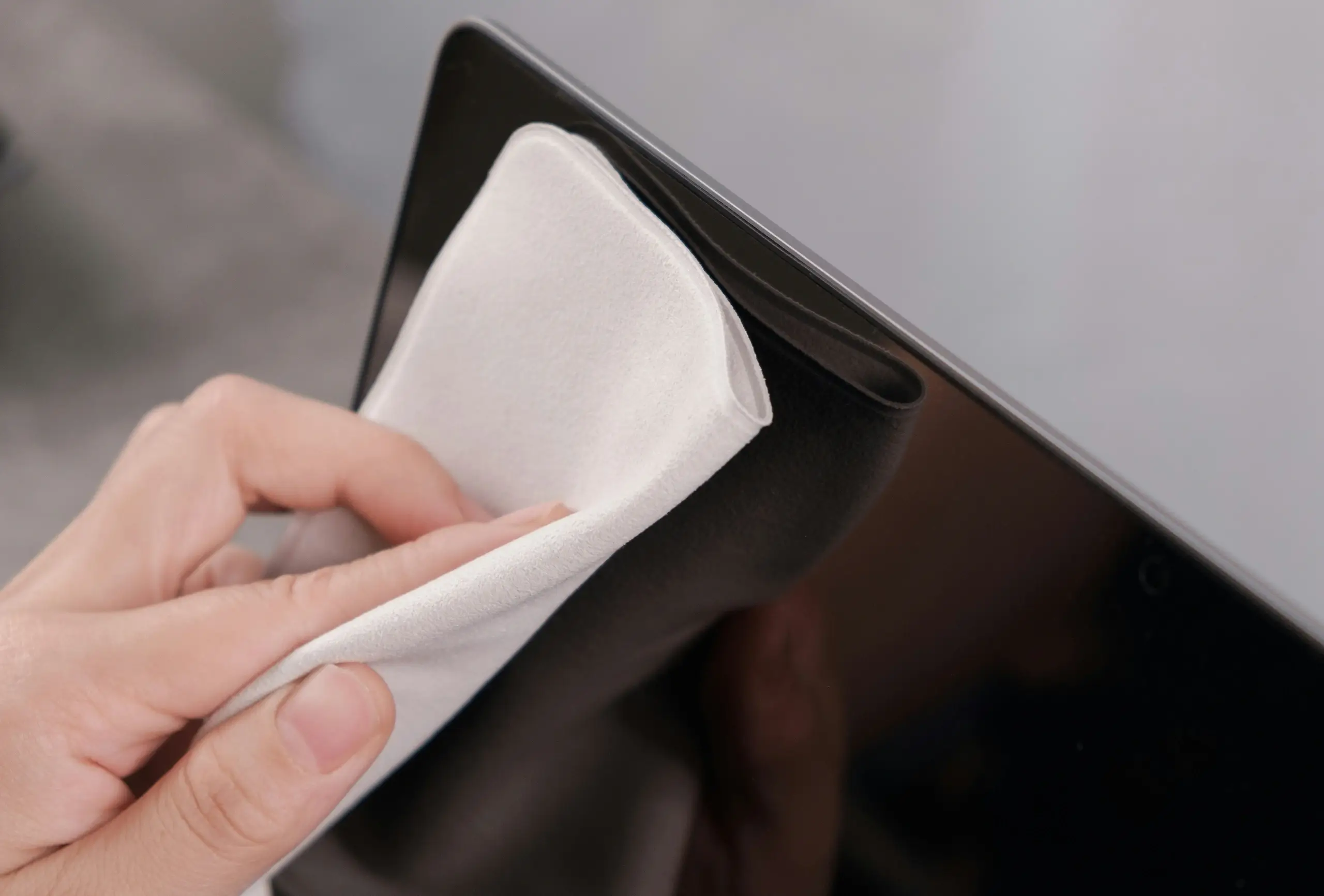
Using a screen cleaner for your monitor and a suitable microfiber cloth for other surfaces can help make regular desk maintenance much easier. The important thing is using the right cleaning method for each surface rather than treating every part of your setup the same way.
Why It's More Than Just Appearance
A dirty desk setup isn't only about appearance. Dust and debris can affect how your equipment feels and performs over time. Buildup around keyboard switches can make keys feel less responsive, while dirt around a mouse can interfere with smooth movement and tracking.
Your screen can also accumulate fingerprints, dust, and smudges throughout the day. That's where keeping a screen cleaner as part of your regular desk-cleaning routine can be useful. A clear, clean display makes it easier to maintain the polished look of your entire workspace.
None of this happens overnight, but buildup accumulates gradually. A few minutes of maintenance each week can prevent your equipment and workspace from reaching the point where they need a much more thorough clean.
A Simple Routine That Actually Works
Cleaning doesn't need to be a daily task to make a real difference. A quick wipe-down of your desk surface, keyboard, and mouse once or twice a week keeps buildup from accumulating in the first place. Compressed air works well for dislodging dust between keys, while a slightly damp microfiber cloth handles most surface grime without risking moisture damage. The same care that applies to screen cleaning applies here, use tools designed for electronics rather than household cleaners that can be too harsh on finishes and coatings.
Building a Cleaner Habit Into Your Day
The easiest way to keep a desk setup clean long-term is tying it to something you already do, like the start or end of your week. A consistent, low-effort routine beats an occasional deep clean every time, since it never lets buildup get bad enough to need one. If you're looking to round out your setup with tools built for this kind of maintenance, our full range of ergonomic tools covers everything from screen and surface care to posture and wrist support.
Need help setting up your office? Our team can walk you through the right tools for your space and daily routine. Contact our team and we'll point you in the right direction.