
How to Set Up an Ergonomic Home Office in the UAE, Step by Step
23 Oct 2026 · 5 min read · By the ChelseaGREEN team
Quick answer: Set up your home office in this order: chair first, then desk height, then screen, then keyboard and mouse, then lighting. Your feet should be flat, your elbows bent at about 90 degrees with the keyboard at elbow height, and the top of your screen at or just below eye level, about an arm’s length away.
Many people in the UAE work from home some or all of the week, often from a spare bedroom, a corner of the living room or the dining table. The good news is that a healthy setup is mostly about getting a few measurements right, in the right order. Start with the chair, because everything else is set relative to how you sit.
Step 1: Set your chair
- Seat height: sit with your feet flat on the floor and your thighs roughly level, knees at about the height of your hips.
- Seat depth: leave a gap of two to three fingers between the front edge of the seat and the back of your knees.
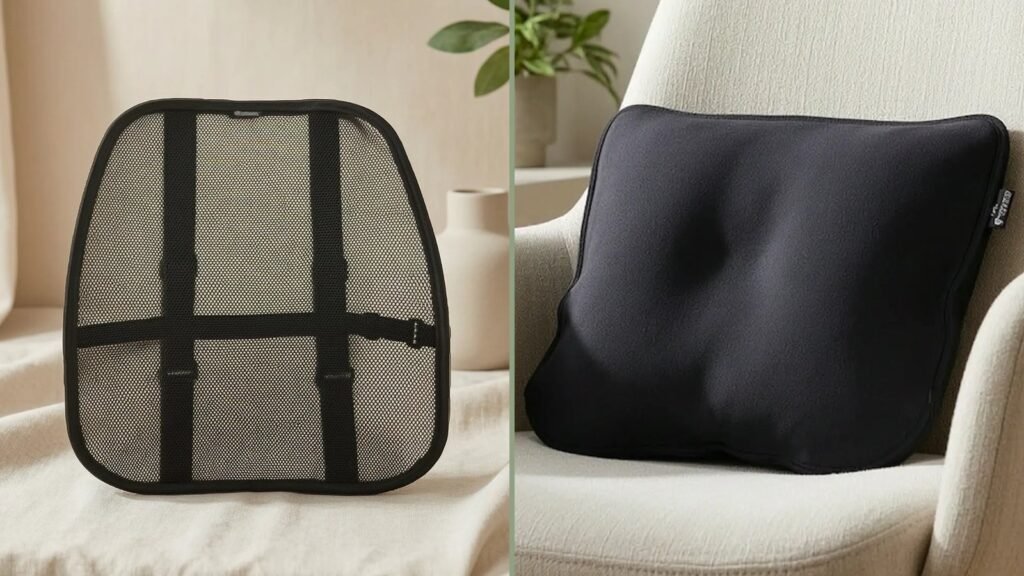
- Lumbar support: move it until it fills the curve in your lower back, around belt height.
- Backrest tilt: unlock it and set the tension so the chair moves with you when you lean back. Sitting still in one locked position all day is what tires the back.
- Armrests: lower them until your shoulders are relaxed and your forearms rest lightly. Armrests that push your shoulders up cause neck ache.
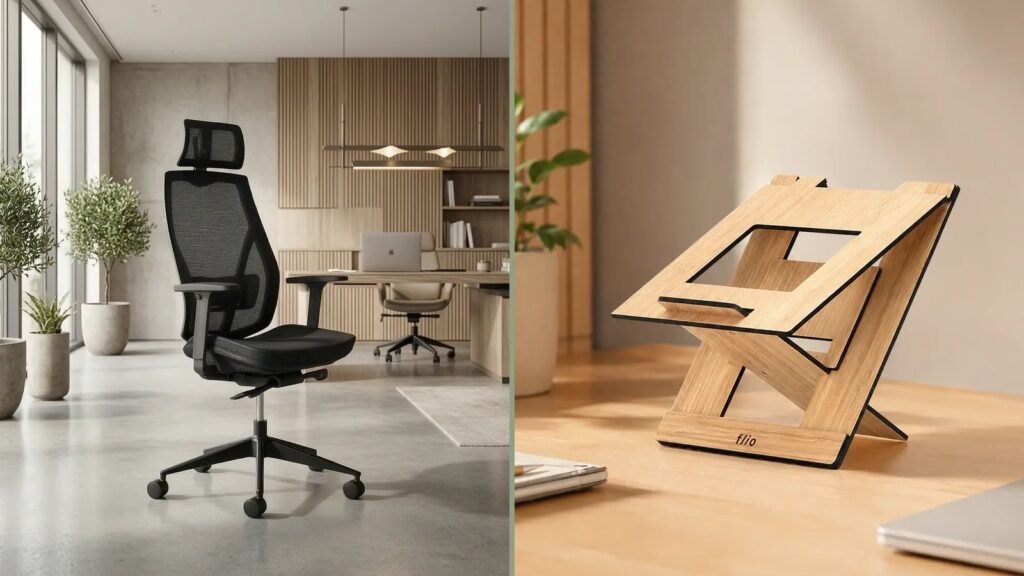
If your chair cannot do these five things, it is not doing its job. Dining chairs and sofas cannot do any of them. See our ergonomic chairs, or read The Complete Guide to Choosing an Ergonomic Chair.
Step 2: Check your desk height
With your chair set, your elbows should be at about the height of the desk surface, or slightly above it. Most fixed desks and dining tables are around 73 to 76 cm high, which is too high for many people.
- Desk too high? Raise your chair until your elbows are level with the desk, then put a footrest under your feet so they stay flat.
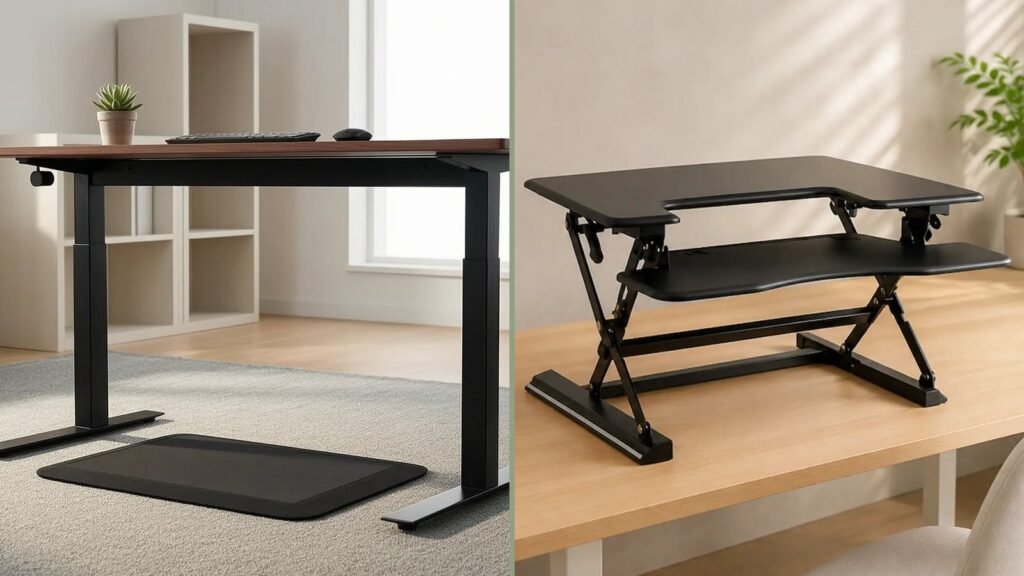
- Desk too low? Raise the desk on solid risers, or use a height-adjustable desk.
- Want to sit and stand? A motorised sit-stand unit such as the Nova Motorised Standing Desk sets the right height for both, at the touch of a button.
Step 3: Position your screen
- Top of the screen at or slightly below eye level.
- About an arm’s length away, roughly 50 to 75 cm.
- Directly in front of you, not off to the side.
- Side-on to windows, so there is no glare on the screen and you are not squinting into the light.
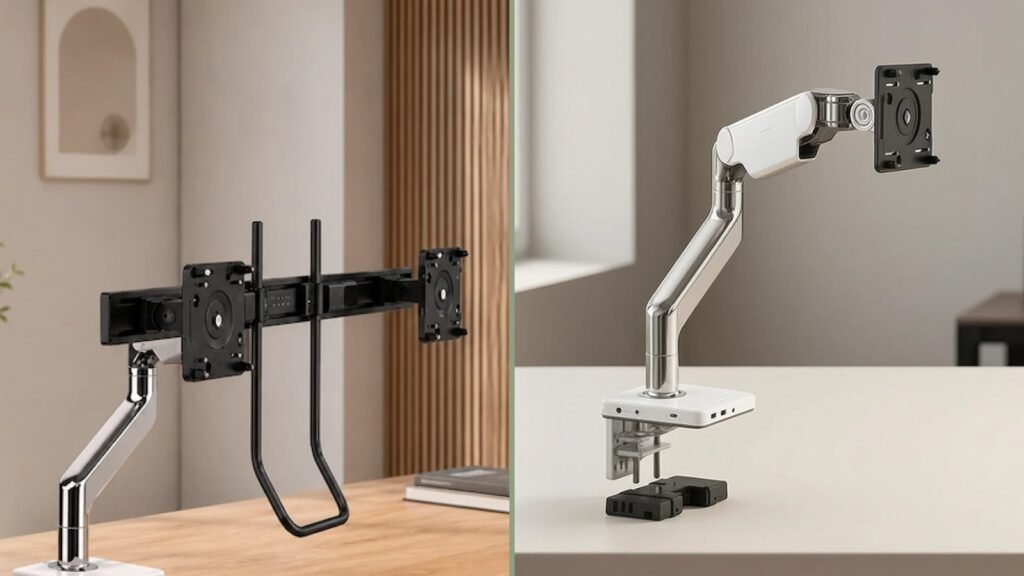
A monitor arm makes this easy and frees up desk space. Read more in our guide What does a monitor arm do?
Step 4: Fix the laptop problem
A laptop on its own breaks the rules above: if the screen is at eye level, the keyboard is too high, and if the keyboard is right, you are looking down all day. The fix is to separate them:
- Raise the laptop on a stand, such as the Flio Ergonomic Laptop Stand.
- Use a separate keyboard and mouse at elbow height.
- Better still, add an external monitor on an arm and use the laptop as a second screen.
Step 5: Keyboard and mouse
- Keyboard directly in front of you, close enough that your elbows stay by your sides.
- Wrists straight, not bent up or to the side, while typing.
- Mouse right next to the keyboard, at the same height, so you do not reach.
- If your wrist or forearm aches, try a vertical mouse, which keeps your hand in a handshake position, or a gel wrist rest for support during pauses.
Step 6: Light, air and temperature
UAE homes are bright outside and air-conditioned inside, and both affect how you feel at the end of the day.
- Light: use daylight from the side, close the blinds when the sun hits the screen, and add a desk lamp for evening work.
- Air conditioning: do not sit directly under an AC vent. A cold draught on the neck and shoulders makes muscles tense up.
- Air quality: closed windows and AC mean the same air circulates all day. An air purifier helps in a small room.
Step 7: Build in movement
No setup is good enough to sit still in for eight hours. Change position at least every 30 minutes: stand up, walk to get water, take calls standing. Every 20 minutes, look at something about 6 metres away for 20 seconds to rest your eyes.
Your home office checklist
- Feet flat, thighs level, lumbar support at belt height
- Elbows at about 90 degrees, at desk height
- Top of screen at or just below eye level, an arm’s length away
- Laptop raised, with a separate keyboard and mouse
- Screen side-on to the window, no AC vent above you
- A reason to stand up every 30 minutes
Frequently asked questions
What is the most important thing to get right in a home office?
The chair, because your desk, screen and keyboard positions all depend on how you sit. A fully adjustable chair is the best single investment.
Can I work at the dining table?
Yes, for short periods, if you raise the laptop, use a separate keyboard and mouse, and sit on a chair that supports your lower back. For full-time home working, a proper desk and ergonomic chair are worth it.
How much space do I need for a home office?
A desk around 120 x 60 cm fits a monitor, laptop and keyboard comfortably. Allow about 1 metre behind the desk so you can push your chair back and stand up.
What height should my desk be?
The right height puts the desk at your elbow height when you sit with your feet flat. For most adults that is between about 65 and 75 cm, which is why an adjustable desk or chair matters.
Can WorktoolsUAE help me plan my home office?
Yes. Visit the ChelseaGREEN showroom at M9, Al Joud Centre, Sheikh Zayed Road, Al Quoz Industrial 1, Dubai, to try chairs and desks, or call +971 4 566 7393.